

Prospectors Cache Tom Ashworth's Recommended Settings
XP

XP Deus 2

MSRP $1,599

Check best prices on Amazon

User ManualPDF

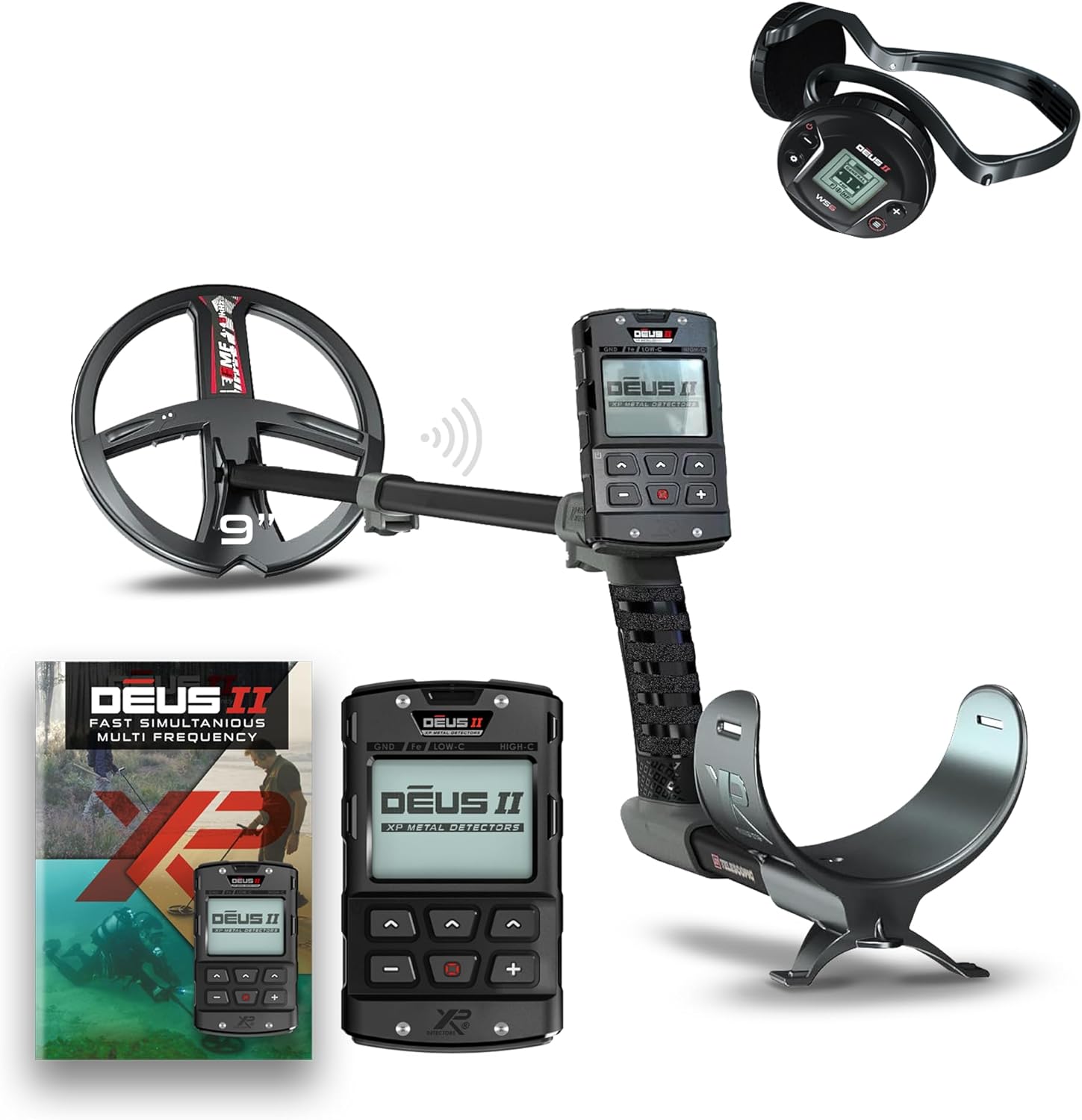
XP Deus 2 metal detector

Wireless multi-frequency — best separation in iron & trash

The XP Deus II is a fully wireless multi-frequency detector known for blistering recovery speed and surgical iron separation in trashy sites. It shines when targets sit shoulder-to-shoulder with nails, bottle caps, and foil. XP built it for experienced hunters who like to tune programs on the fly and cover ground quickly without cable drag. You will see it at its best on relic permissions, competition hunts, iron-heavy parks, and beaches where fast reactivity wins more good targets.

XP • XP Deus 2

Deus 2 — Relics

Historic home sites, battlefields, and iron-heavy permissions.

🏛️ Relics
Recommended coil: 28 cm or 34×28 cm — depth on cellar holes and foundations.

Adjustments

Program
Factory Program
Relic (9) or Deep HC (6)
Program 9 Relic or program 6 Deep HC for iron sites and deep targets.
Frequency
Frequency
Low single or Multi low-weighted
Low bands help large iron and deep brass.
Sensitivity
Sensitivity
88–94
Stable beats maxed-out on nail beds.
Ground
Ground Balance
Manual
Balance away from brick, charcoal, and slag.
Recovery
Reactivity
1–2
Set Reactivity to 1–2 on Relic (9).
Discrimination
Discrimination
Off
Leave Discrimination off on Relic (9).
Discrimination Expert
Tones
Pitch Tones
In the Discrimination Expert menu, set Tones to Pitch Tones. Pitch Tones has no tone breaks.
Discrimination Expert
B.Caps
0
Set Bottle Caps (B.Caps) to 0.
Discrimination Expert
Notch
Off
Leave Notch off.
Iron
Iron Volume
6
Set Iron Volume to 6 on Relic (9).
Audio
Audio Response
5
Set Audio Response to 5 on Relic (9).
Threshold
Threshold
Faint hum on Relic (9), Off on Deep HC (6)
On Relic, raise Threshold until you hear a faint hum. Leave it off on Deep HC.
Option
Audio Out
9
In the Option menu, set Audio Out to 9.
Option
Audio Filter
0
In the Option menu, set Audio Filter to 0.
Option
Equalizer
Personal preference
In the Option menu, adjust the Equalizer to your personal preference.
Option
Audio Type
PWM
In the Option menu, set Audio Type to PWM.
Coil
Coil Speed
Slow, tight overlap
Creep fence lines, paths, and chimney falls.